
From activity to artwork
Your Strava route, beyond the feed.
Turn a recorded Strava run, ride or walk into a personalised print for your wall. Connect your account, select an activity with route data and make the design your own. Choose a frame or poster hanger from the available options, then review the proof before payment.
Create your print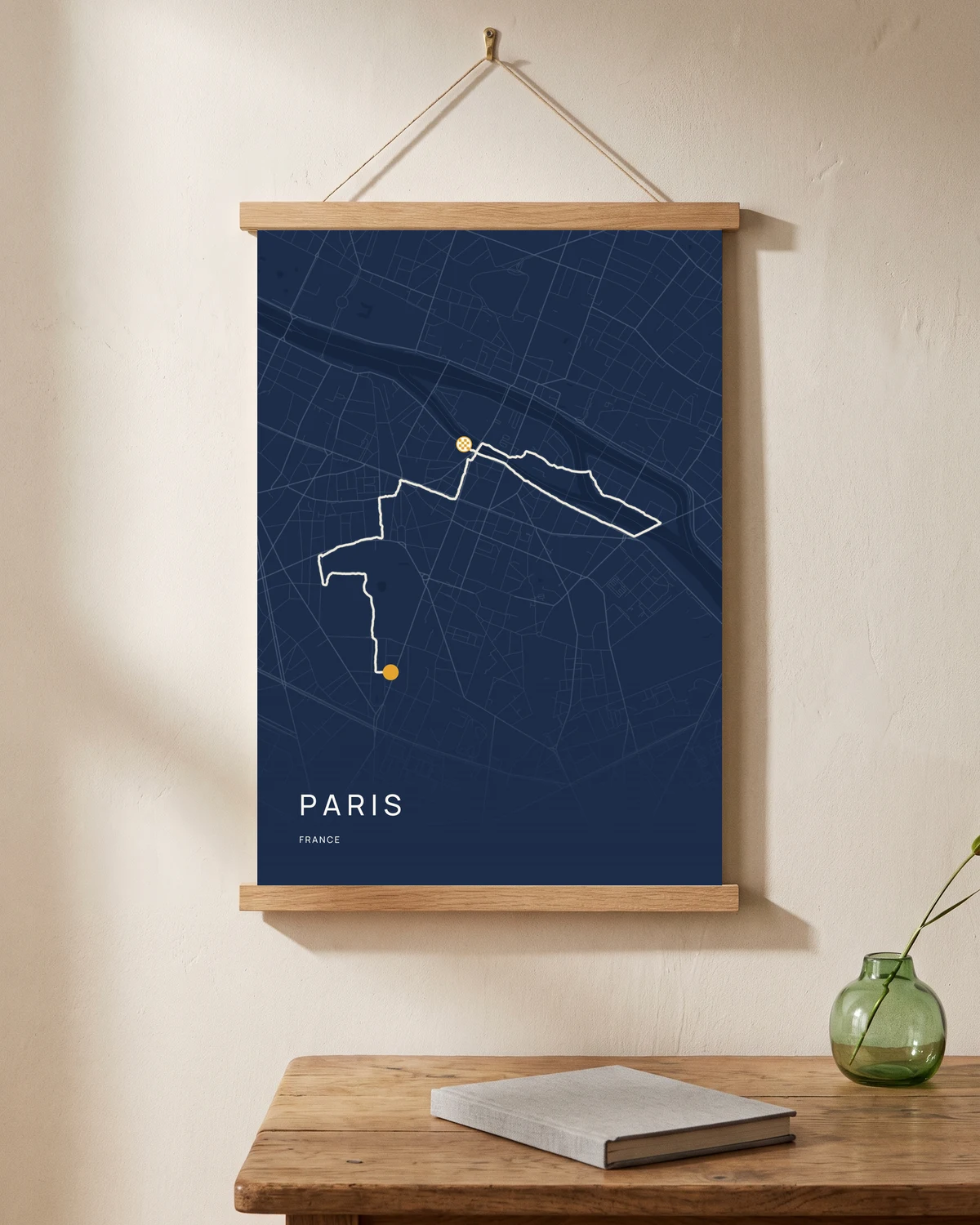
Connect and choose
Open the studio and use the Strava connection to authorise access to your activities. Select the activity you want to use and add its route to the map. An activity needs usable route data; an indoor session without a GPS track cannot supply a route outline.
Personalise the print, not the activity
Choose a layout and map colours, then edit the title and displayed details in Atlas. These design choices shape the artwork; they do not rewrite the original activity in your Strava account.
Check the imported route
Review the complete route and displayed values before payment. If a route will not import, a GPX export is an alternative input. Do not rely on an activity thumbnail to check the accuracy of the final artwork.
Good to know
Your questions, answered.
How do I turn a Strava activity into a map print?
Open the studio, connect Strava and select an activity with a GPS route. Choose the layout, words, colours and finish, then generate your proof. Check the route and details before approving the artwork and continuing to checkout. If you prefer, upload a GPX file instead.
Do I have to use Strava?
No. GPX upload is available, and place-based designs can be created without an activity.
Can I print somebody else’s activity?
Use a route you have permission to use. You do not need somebody else’s login to give an Atlas gift card: the recipient can connect their own account.
Is Atlas part of Strava?
No. Atlas Studio is a separate print-design service that supports importing activities through a Strava connection.